ESP-LyraP-LCD32 v1.1
This user guide provides information on the ESP-LyraP-LCD32 extension board.
This extension board cannot be bought separately and is usually sold together with other Espressif development boards (e.g., ESP32-S2-Kaluga-1), which will be referred to as main boards below.
Currently, ESP-LyraP-LCD32 v1.1 is sold as part of the ESP32-S2-Kaluga-1 Kit v1.2.
The ESP-LyraP-LCD32 extends the functionality of your main board by adding an LCD graphic display.
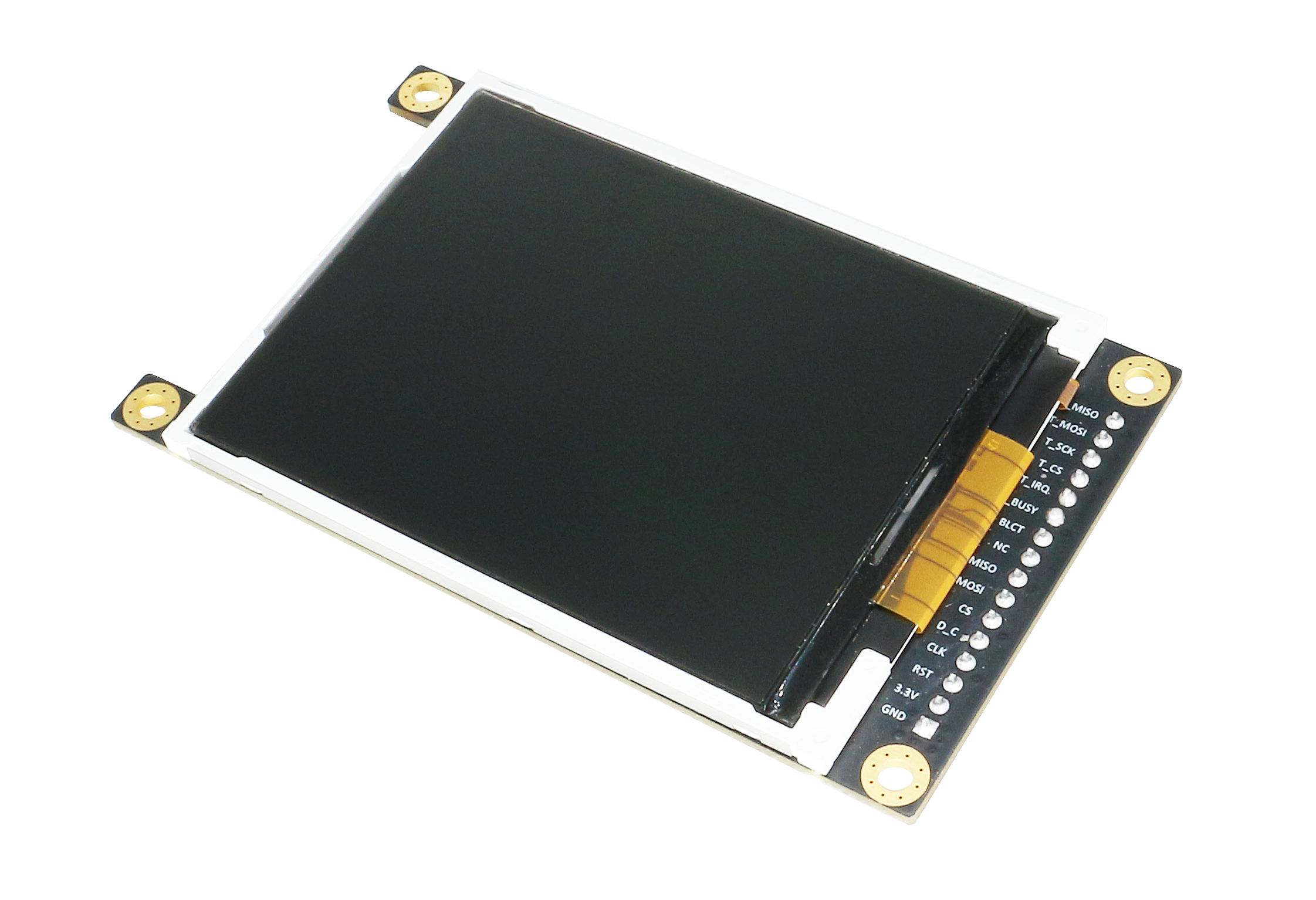
ESP-LyraP-LCD32 (click to enlarge)
The document consists of the following major sections:
-
Overview: Provides an overview and hardware/software setup instructions to get started.
-
Hardware reference: Provides more detailed information about the ESP-LyraP-LCD32’s hardware.
-
Hardware Revision Details: Covers revision history, known issues, and links to user guides for previous versions of the ESP-LyraP-LCD32.
-
Related Documents: Gives links to related documentation.
-
Disclaimer and Copyright Notice: Link to the disclaimer and copyright notice.
Overview
This extension board adds a 3.2” LCD graphic display with the resolution of 320x240. This display is connected to ESP32-S2 over the SPI bus.
Description of Components

ESP-LyraP-LCD32 - front (click to enlarge)
In the description of components below, Reserved means that the functionality is available, but the current version of the kit does not use it.
|
Key Component |
Description |
|---|---|
|
Extension Header |
Male Extension Header for mounting onto a female Extension Header |
|
LCD display |
This version has a 3.2” 320x240 SPI LCD display module; the display driver/controller is Sitronix ST7789V |
|
Touch Screen Switch |
No support for touch screens, keep the switches to OFF to make the pins available for other uses |
|
Main Board 3.2” LCD FPC Connector |
(Reserved) Connect to main board’s 3.2” LCD FPC connector |
|
Control Switch |
Switch to ON to set Reset/Backlight_control/CS to default high or low; switch to OFF to make the pins available for other uses |
Start Application Development
Before powering up your ESP-LyraP-LCD32, please make sure that it is in good condition with no obvious signs of damage.
Required Hardware
-
Board with a female Extension Header (e.g., ESP32-S2-Kaluga-1, ESP-LyraT-8311A)
-
ESP-LyraP-LCD32 extension board
-
Four mounting bolts (for stable mounting)
-
Computer running Windows, Linux, or macOS
Hardware Setup
To mount your ESP-LyraP-LCD32 onto the board with a female Extension Header:
-
Install the four mounting bolts onto the board with a female Extension Header
-
Align the ESP-LyraP-LCD32 with the bolts and Extension Header and insert it carefully
Software Setup
See Section Software Setup of the ESP32-S2-Kaluga-1 kit user guide.
Hardware Reference
Block Diagram
A block diagram below shows the components of the ESP-LyraP-LCD32 and their interconnections.

ESP-LyraP-LCD32 block diagram
Hardware Revision Details
No previous versions available.